01
Careful diagnosis before recovery
Every case starts with fault identification, risk assessment, and a recovery plan before any deep work begins.
Recover lost, deleted, corrupted, or inaccessible files from hard drives, SSDs, USB drives, SD cards, laptops, desktops, phones, RAID storage, and external drives.
In many cases, yes. Recovery chances are higher when the device is stopped quickly and the original storage is not overwritten. The safest first step is diagnosis—especially for clicking drives, non-detecting SSDs, corrupted cards, and devices asking to be formatted.
What happens in the first few minutes can decide how much remains recoverable.
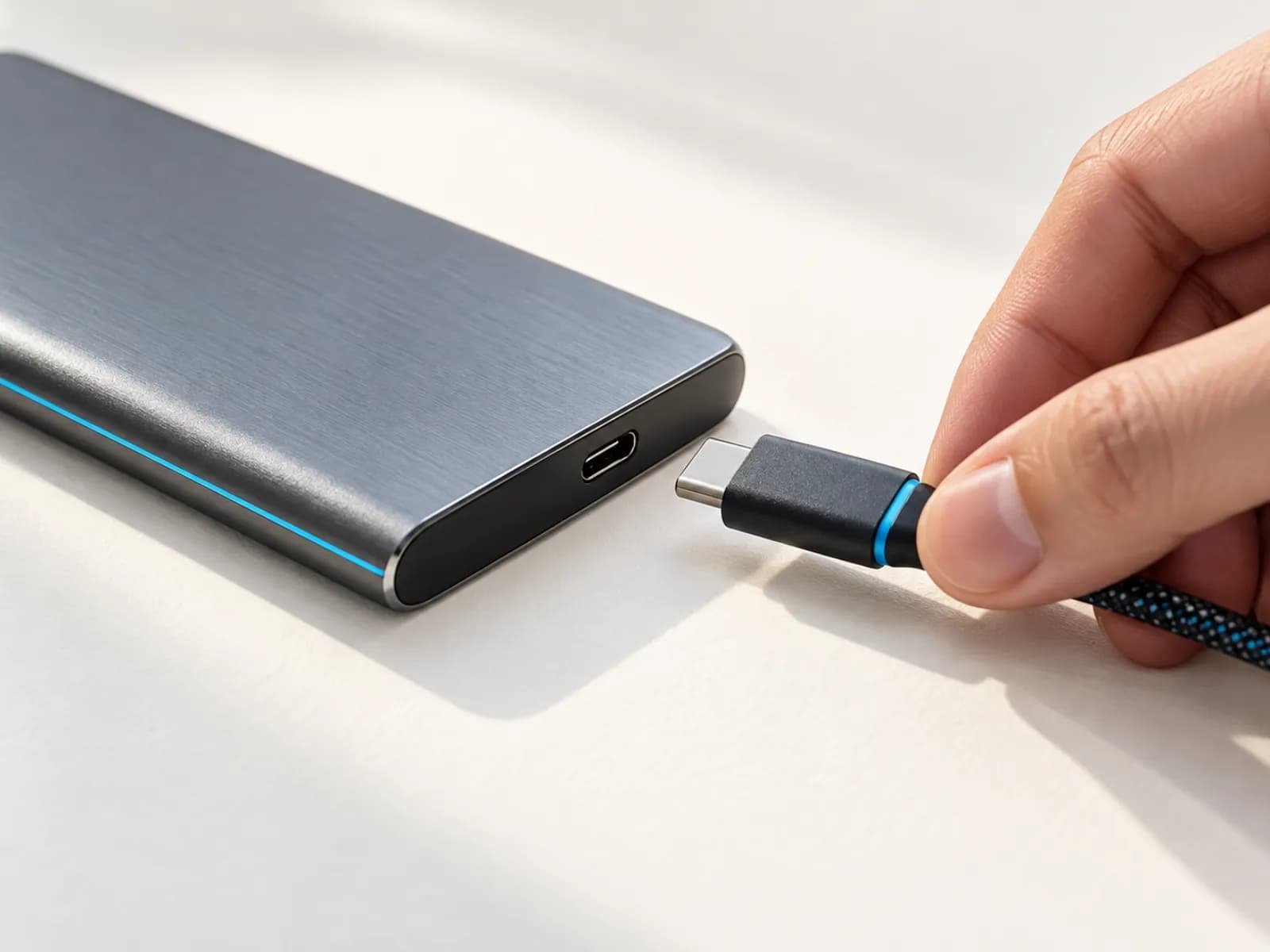
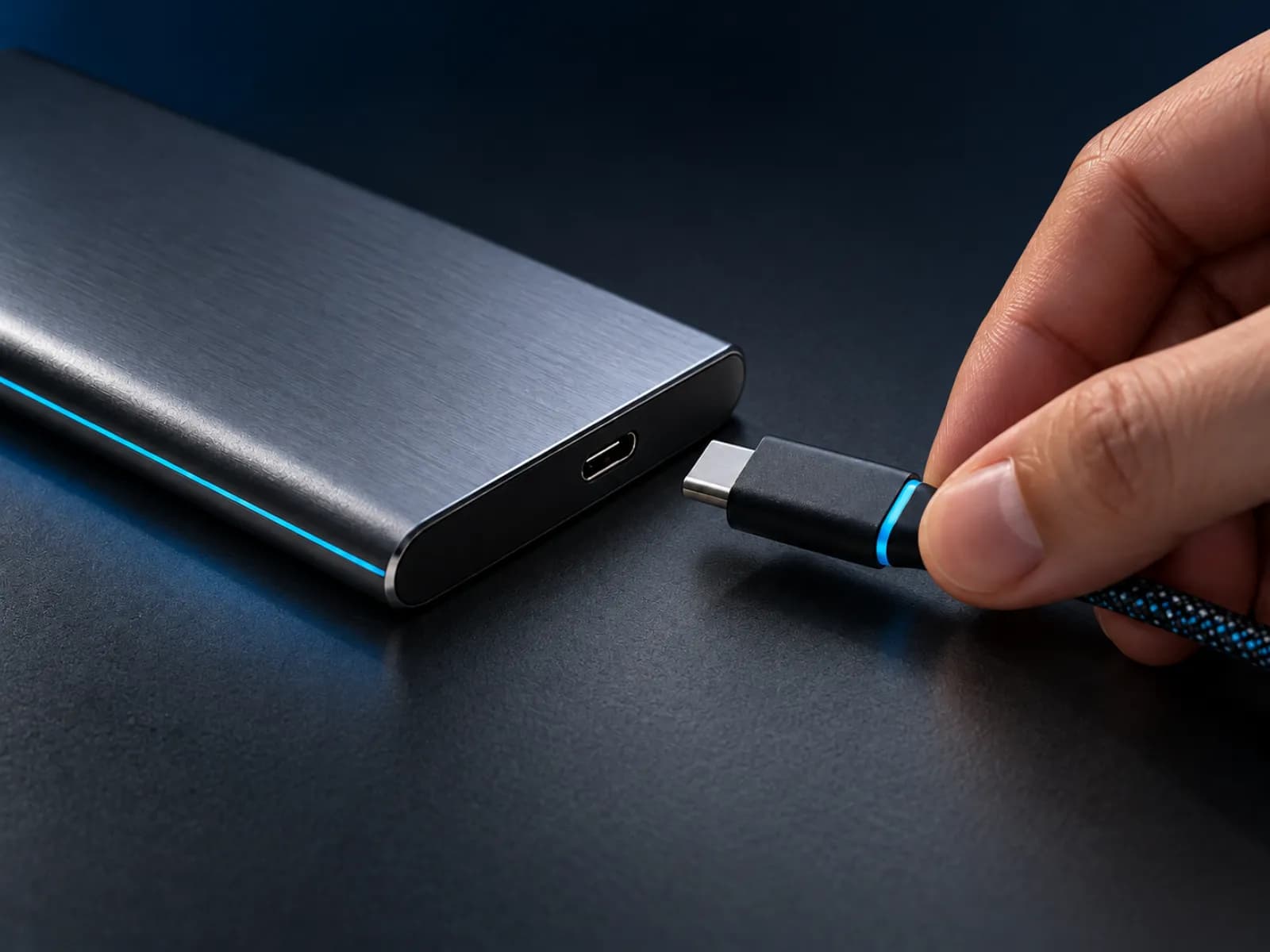
If a hard drive is clicking, buzzing, overheating, or repeatedly disconnecting, power it off.
Do not format a drive because Windows or macOS asks you to initialize it.
Do not install recovery software onto the same disk that lost data.
Do not open a hard drive outside a clean, controlled repair environment.
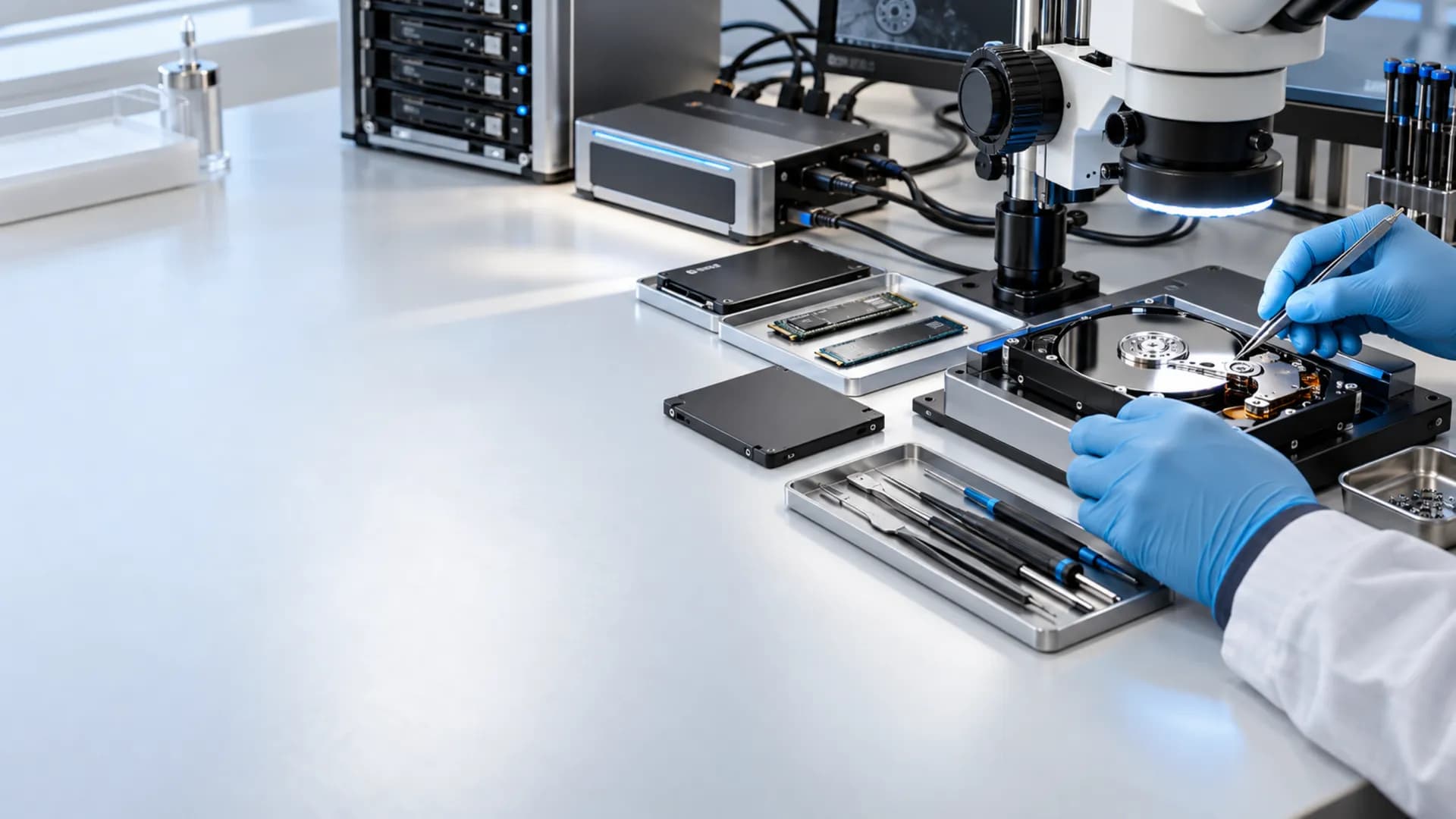
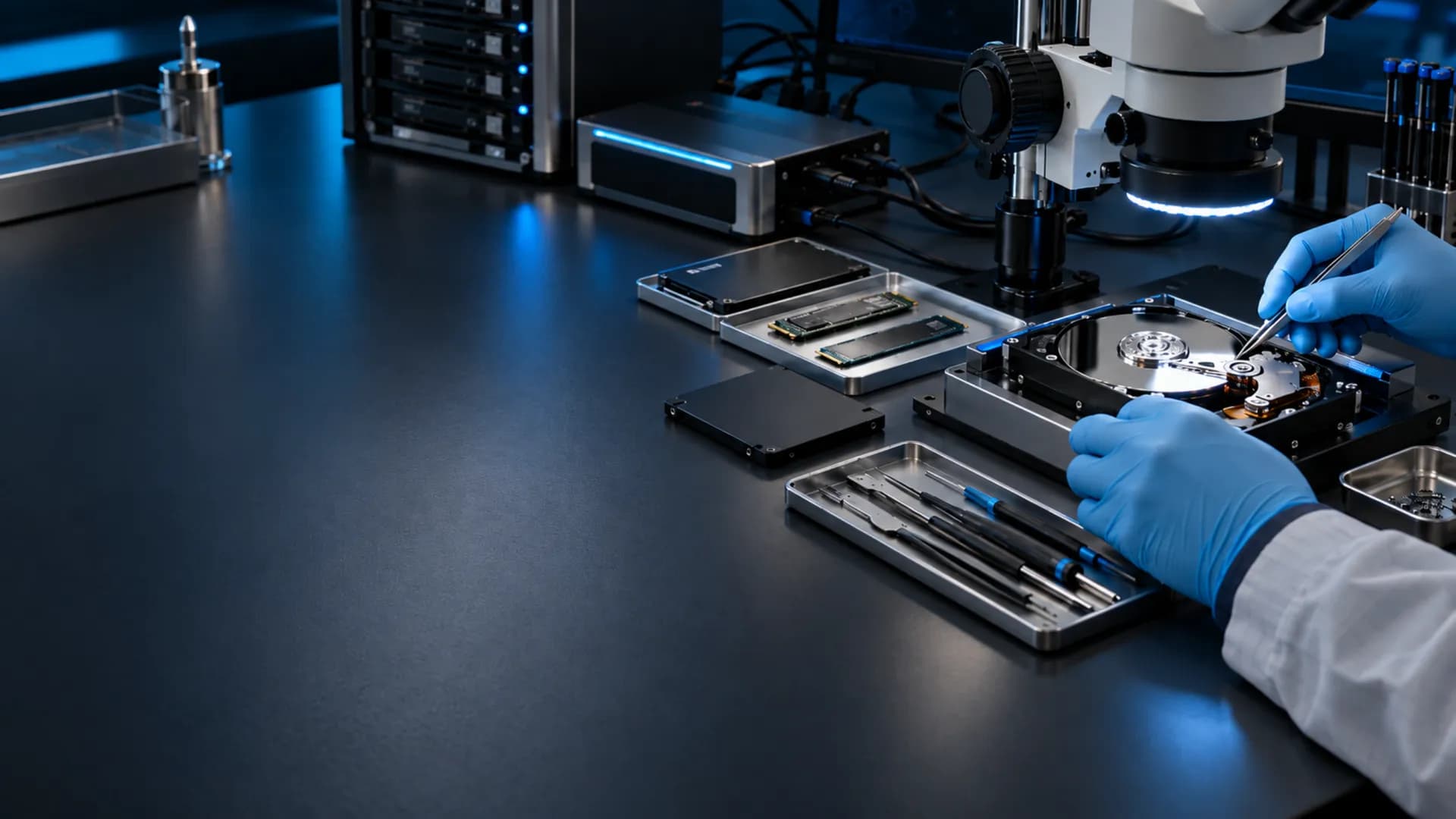
Every case starts with diagnosis, risk assessment, and practical next steps.
Every case starts with fault identification, risk assessment, and a recovery plan before any deep work begins.
Personal files, business documents, CCTV footage, and client data are treated as confidential from intake to delivery.
We assess deletion, formatting, partition corruption, bad sectors, PCB faults, dropped drives, and non-detecting devices.
You get practical guidance on whether to repair, image, extract, or stop work when recovery is not sensible.
Choose a media type to explore the failures and files Nex can assess.
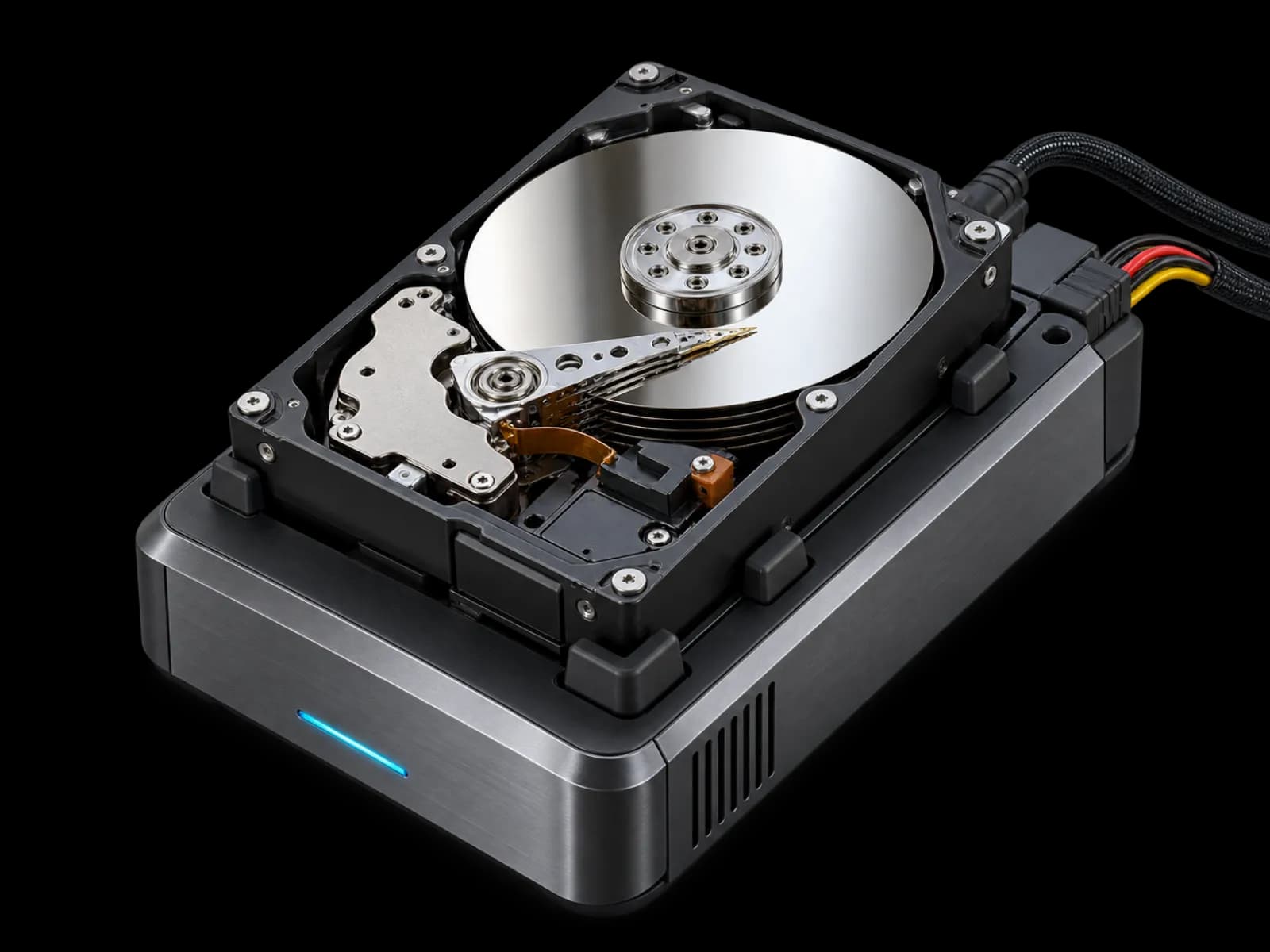
Recover files from laptop, desktop, external, and portable HDDs affected by bad sectors, head issues, PCB faults, drops, or file system damage.
Protect the original media, recover through a controlled plan, then return readable files on approved storage.
Power the device down and avoid repeated boot attempts, repair tools, or file copies. This protects the original data.
Share the device type, symptoms, file types needed, and urgency. Drop-off or courier handoff can be arranged where available.
The device is inspected for logical or physical faults. We confirm the likely recovery path and quote before extraction work.
Recovered data is checked for readability, then transferred to approved storage for secure return.
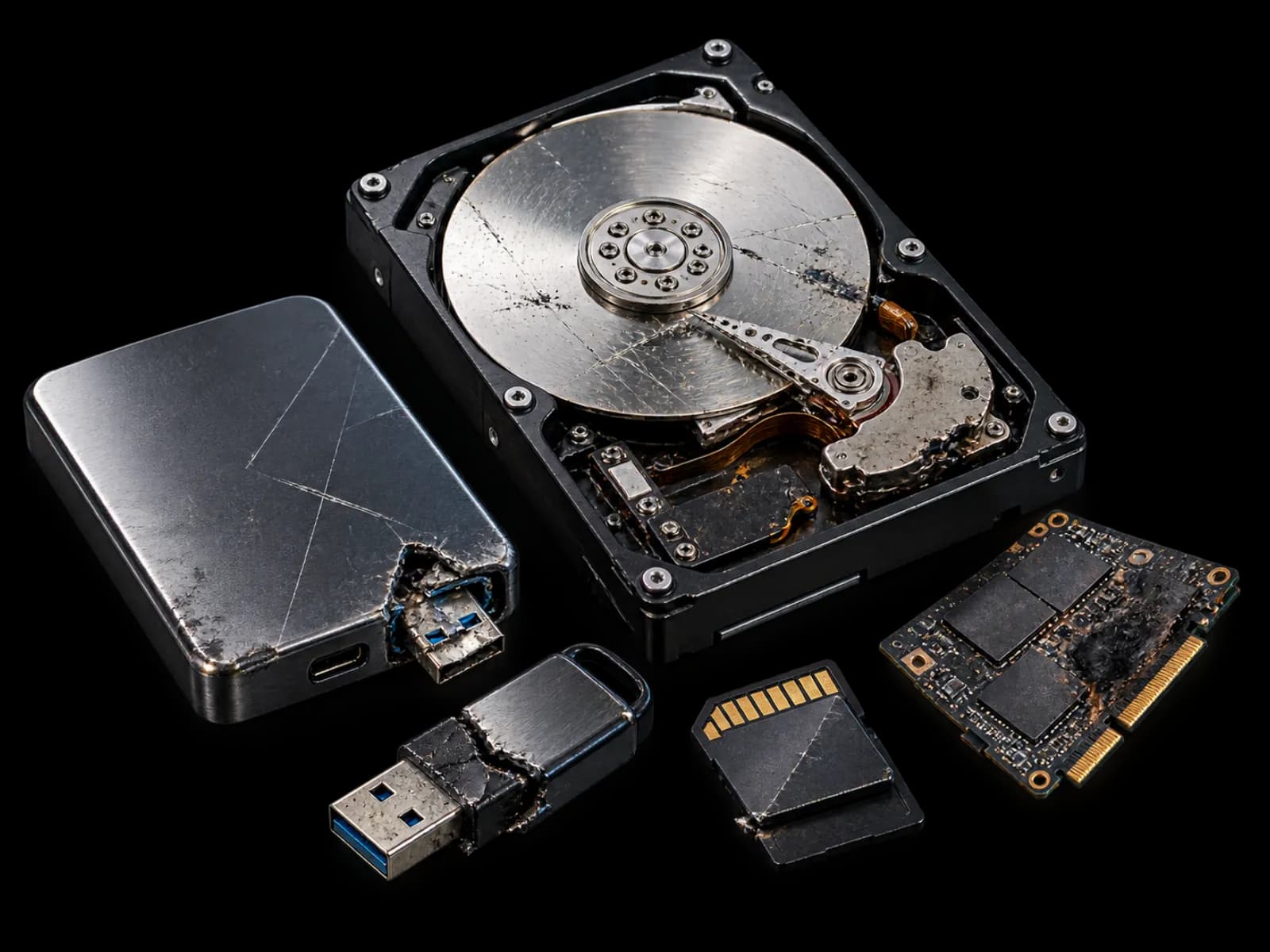
One symptom may point to several different faults. Diagnosis determines the safer next move.
Cost depends on the storage type, physical damage, logical corruption, capacity, donor parts, urgency, and the amount of data to validate. A clear quote is confirmed after diagnosis so you can decide before full extraction work begins.
Clear answers before the diagnosis begins.
Often, yes. Deleted files are usually more recoverable when the device is stopped quickly and no new data is written over the lost files.
A clicking hard drive may have mechanical damage. Power it off immediately and request a diagnosis before another startup attempt causes more damage.
Yes, we assess SSDs, USB flash drives, SD cards, microSD cards, external drives, laptop drives, desktop drives, and supported RAID or NAS storage.
No ethical recovery provider can guarantee every case before diagnosis. Success depends on the storage type, damage level, encryption, overwriting, and previous repair attempts.
Cost depends on the device, fault type, storage size, required parts, urgency, and the amount of data to extract. A quote is confirmed after diagnosis.
Simple logical recoveries can be faster, while physically damaged drives, RAID cases, and devices needing parts can take longer. Diagnosis gives a more realistic timeline.
Share the device symptoms and the files that matter most. Nex will guide the safest next step.