System diagnosis
Separate software, storage, power, thermal, and component symptoms.
In-shop computer and laptop repair for complex hardware faults, detailed diagnostics, and advanced component-level work that needs a controlled bench environment.
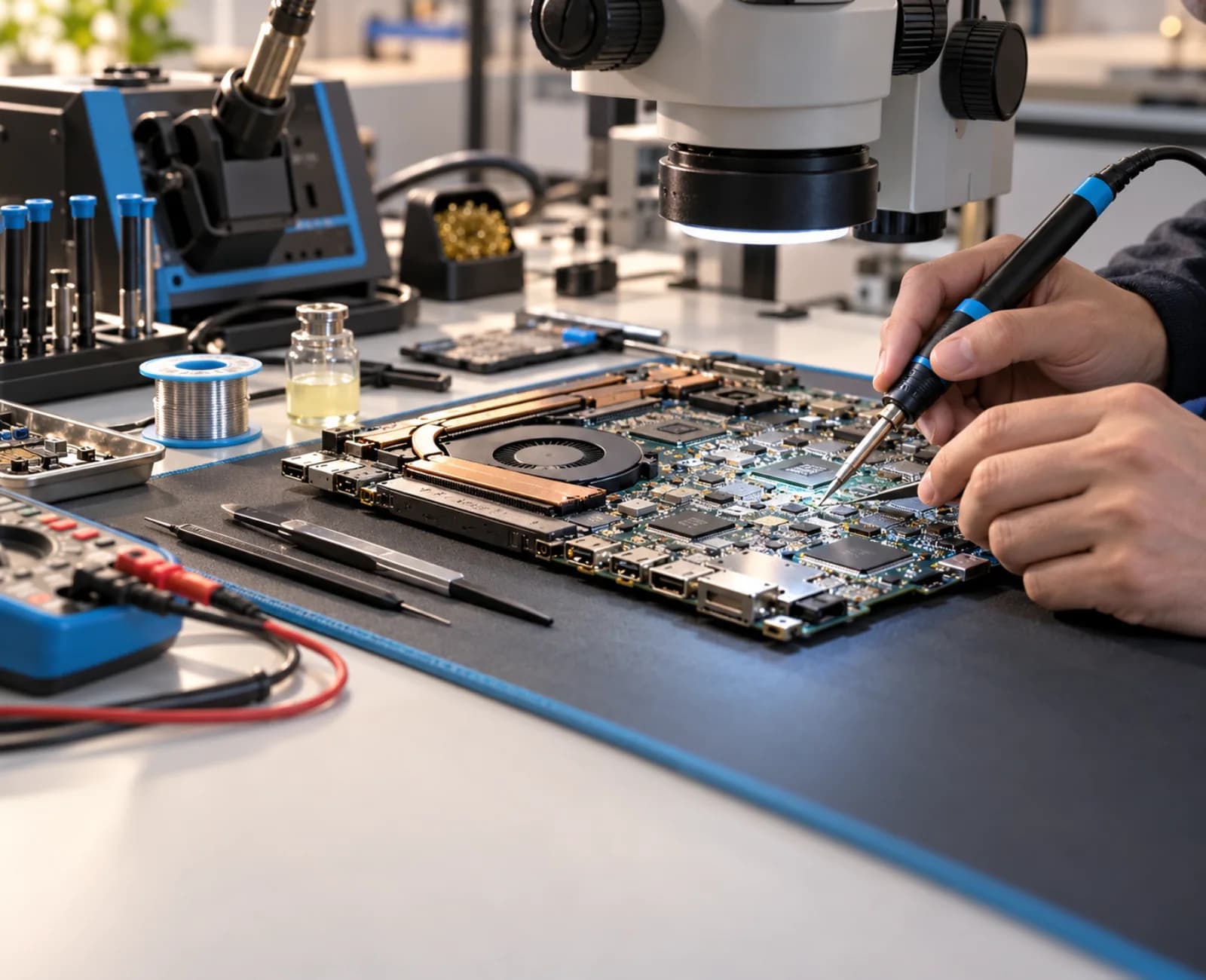
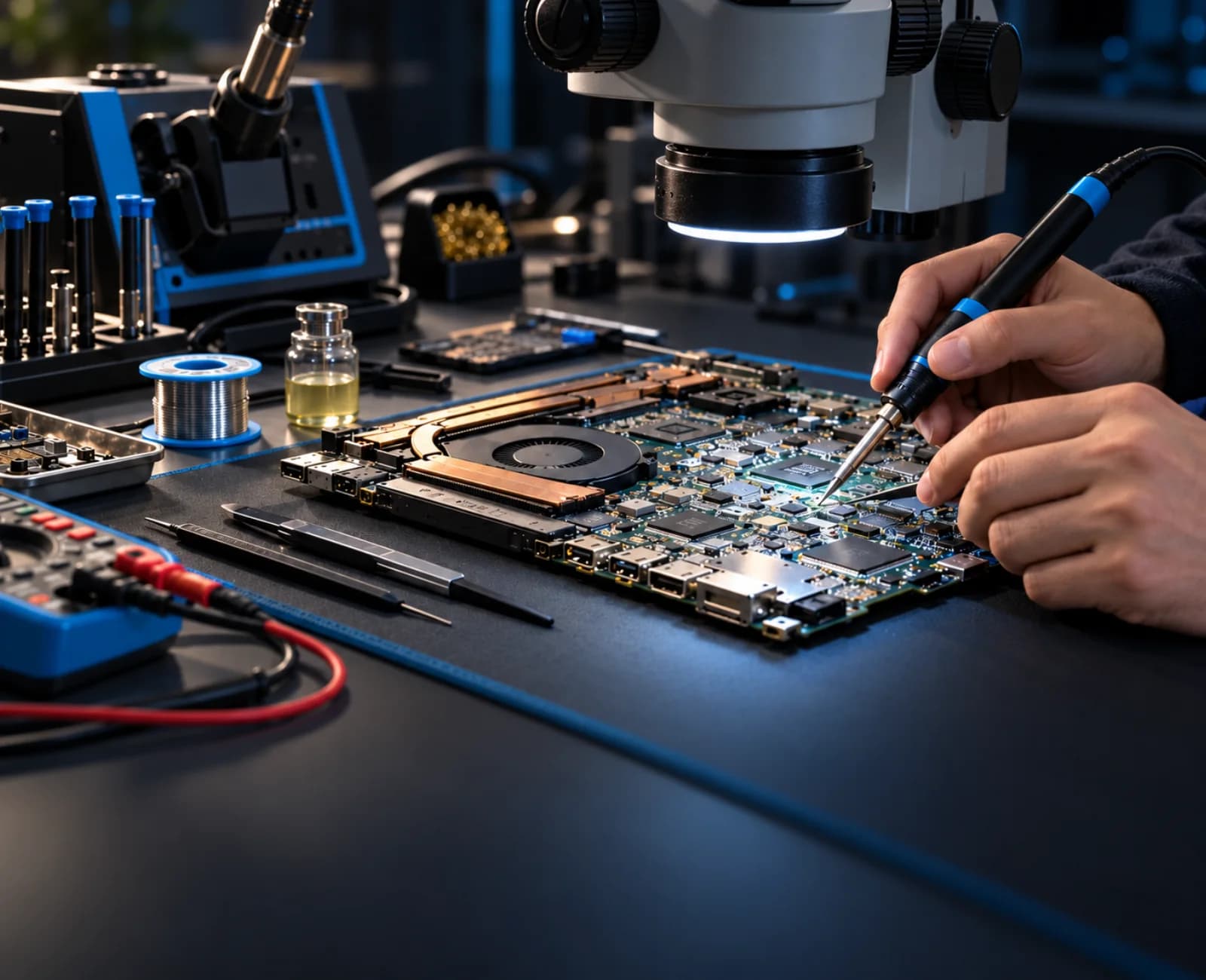
We move from system symptoms toward components only as the evidence demands.
Separate software, storage, power, thermal, and component symptoms.
Service or replace accessible assemblies, ports, cooling parts, and upgradeable components.
Trace power rails, signals, damaged circuits, and component-level faults where viable.
Reassemble, stress-test the relevant systems, and confirm the original symptom is resolved.
We group repairs by the system under investigation, so the scope stays clear without pretending every fault has the same answer.
No-power, charging, DC-in, battery, and power-rail related faults.
Component-level investigation for short circuits, damaged sections, and board failures.
No-display, backlight, panel, connector, cable, and graphics-path symptoms.
Overheating, sudden shutdown, fan, thermal-interface, and load-related instability.
Drive health, boot faults, operating system problems, and storage replacement paths.
USB, audio, network, keyboard, touchpad, and external-device communication faults.
Different form factors call for different access, testing, and repair strategies—but both benefit from a methodical diagnosis.
Power, charging, display, keyboard, ports, cooling, storage, hinges, and motherboard-level faults.
Startup, power, thermal, storage, memory, graphics, component, and operating-system issues.
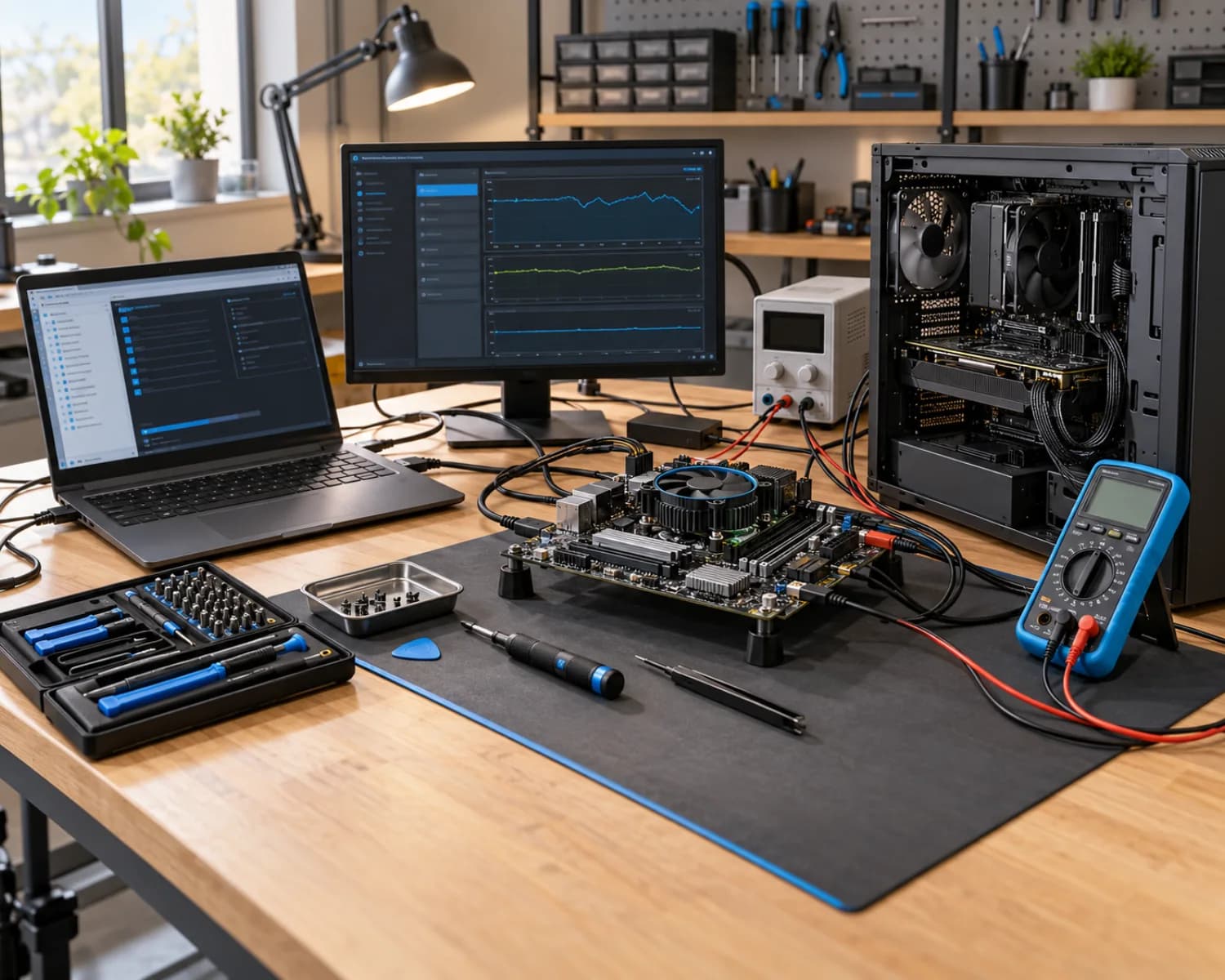
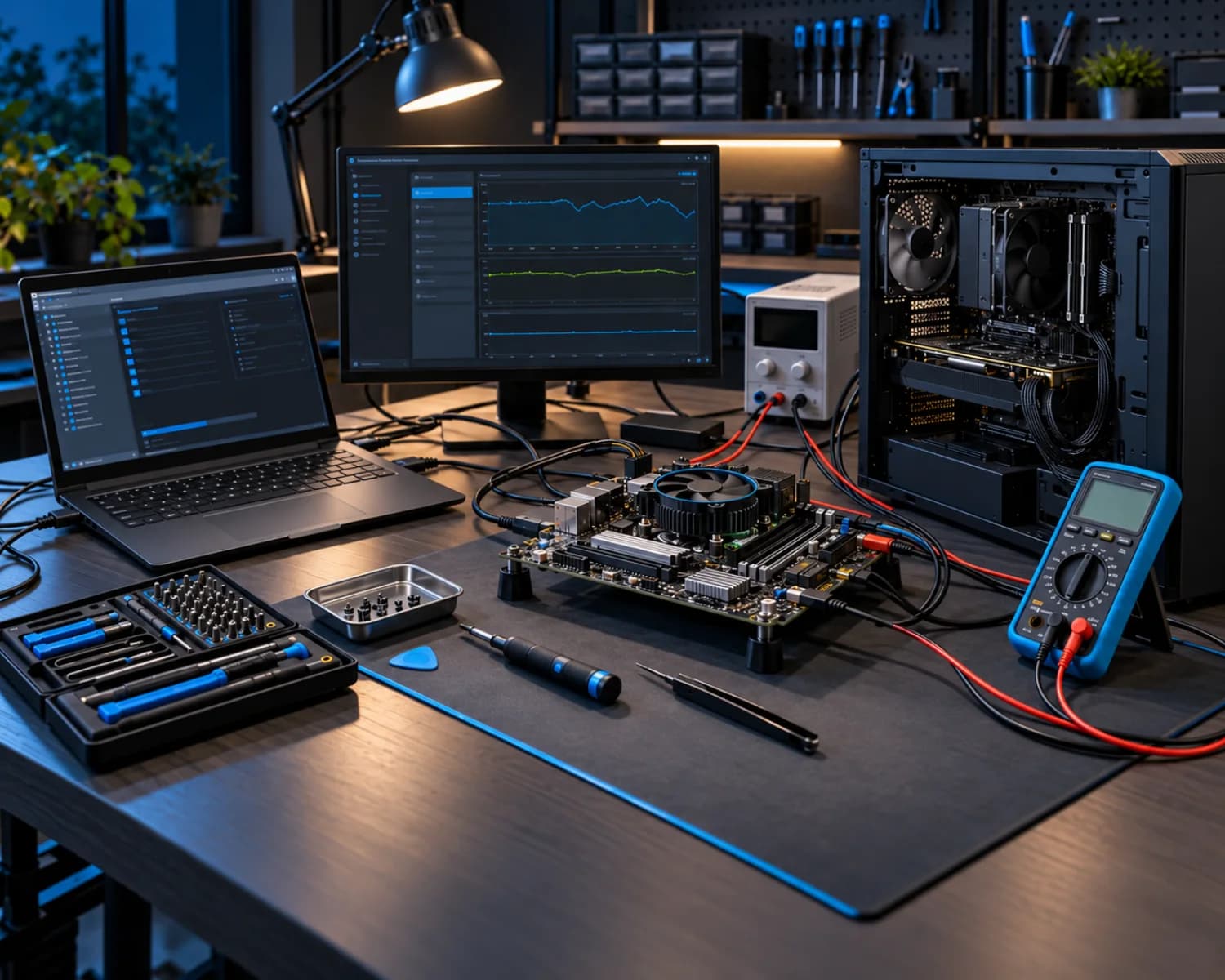
Complex repair should still feel understandable. The process makes room for diagnosis, approval, repair, and verification as separate steps.
What happened, when it started, and what has already been tried.
Device identity, visible condition, accessories, and the reported fault are logged.
The system is tested methodically before a repair direction is recommended.
Scope, parts considerations, and viability are explained before repair proceeds.
Work is completed, the relevant systems are tested, and the device is prepared for handover.
Advanced repair feasibility depends on the device condition, prior work, parts availability, and diagnostic findings. Data protection needs should be discussed before service.
A component-level option is only useful when it is practical for the device and the fault. The diagnosis should give you enough context to make an informed repair-or-replace decision.
Tell us the device model, the symptoms, and anything that happened before the fault appeared.