Mobile technical supportHome + Office

Your setup stays put.We diagnose it where it sits.

On-site computer repair for homes and offices—so faults involving your network, workspace, printer, software, or complete setup can be investigated where they actually happen.

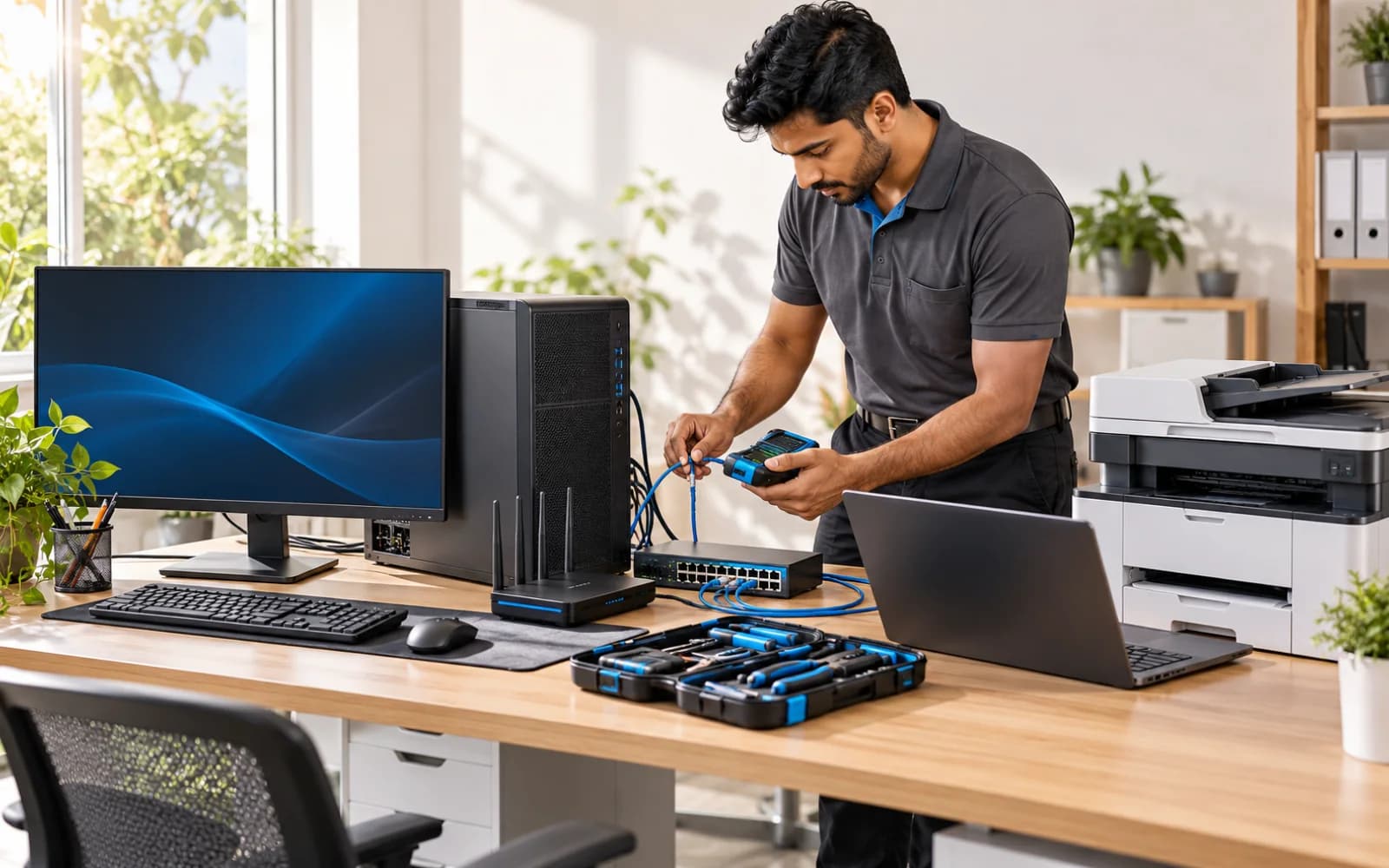
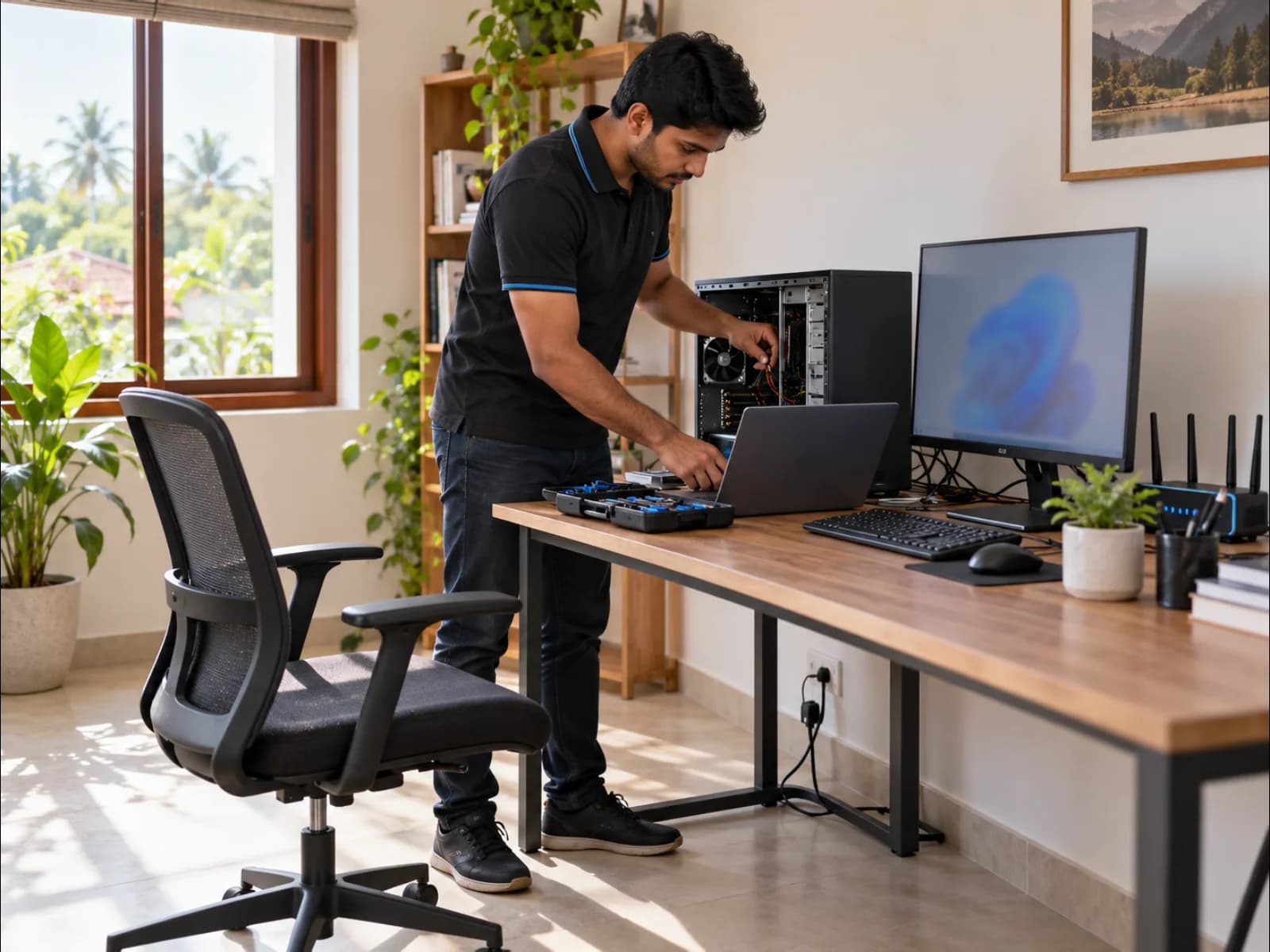
Technician diagnosing a desktop computer at a customer workspaceTechnician diagnosing a desktop computer at a customer workspace
Service modelWe come to your setupPrepared from your fault brief
Designed around place

The same technical care, tuned to two different environments.

A home call and an office call often have different priorities. The visit starts with the way you use the technology.

For home

Fix the tech where you use it.

A home visit keeps the full setup—computer, router, printer, and peripherals—available for diagnosis.

  • Slow or unstable computers
  • Wi-Fi and device connectivity
  • Printer and peripheral setup
  • Software and account issues
For work

Reduce disruption around the desk.

On-site support helps us see the device in its real network and workplace context.

  • Workstation troubleshooting
  • Shared printer and network issues
  • New device setup and migration
  • Routine office IT support
A prepared visit

Four moments that keep the call focused.

Good on-site service starts before the technician arrives. A clear fault brief helps us plan the right route, context, and tools.

Service-area coverage, appointment availability, and any visit charge are confirmed when your request is reviewed.

  1. 01
    Before

    Tell us what’s happening

    Share the device, symptoms, location, and any urgency so the visit can be prepared properly.

  2. 02
    Arrival

    Reproduce the issue

    The technician reviews the setup as a system—not just the computer in isolation.

  3. 03
    On-site

    Diagnose and resolve

    Suitable software, configuration, connection, and replaceable-hardware work is handled at your location.

  4. 04
    Close

    Test it in context

    We verify the relevant workflow and explain what changed before the visit is closed.

The right setting for the repair

On-site when it fits. Workshop when the fault needs a bench.

Convenience should not compromise repair quality. If a fault needs specialist equipment or longer observation, we explain the workshop route clearly.

Good fit for on-site
  • Operating system and application issues
  • Internet, Wi-Fi, and local-network faults
  • Computer, printer, and peripheral setup
  • Performance checks and basic upgrades
  • Data transfer and new-device setup
  • Workstation health and configuration
Better on the bench
  • Board-level or component-level faults
  • Liquid damage and internal corrosion
  • Repairs needing bench equipment or extended testing
  • Complex intermittent hardware faults
Technician testing a complete office computer, printer, and network setupTechnician testing a complete office computer, printer, and network setup
Make the visit count

A little context helps us spend more time solving.

01

Keep the setup connected where practical, so the fault can be reproduced.

02

Note any error messages and when the issue usually appears.

03

Have relevant access ready for the device, Wi-Fi, or accounts you want checked.

Support that travels

Bring the technician to the problem—not the problem to the technician.

Tell us where you are, what device is affected, and what you’ve noticed. We’ll review the request and plan the next step.