Inkjet printers
Home, photo, tank, and multifunction inkjet systems.
Practical diagnosis and repair for inkjet, laser, dot-matrix, and multifunction printers—covering mechanical, print-quality, electronic, and connectivity problems.
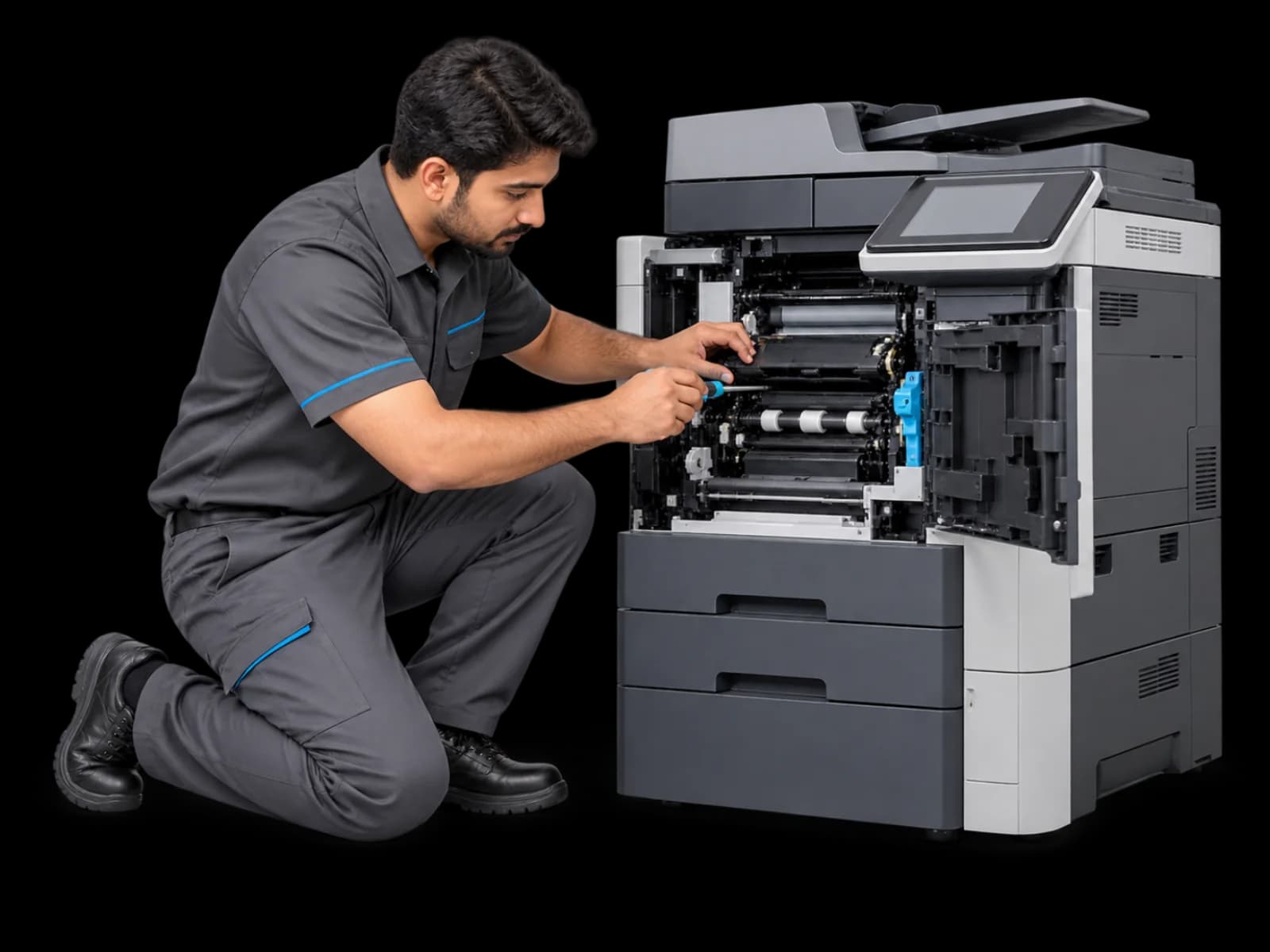
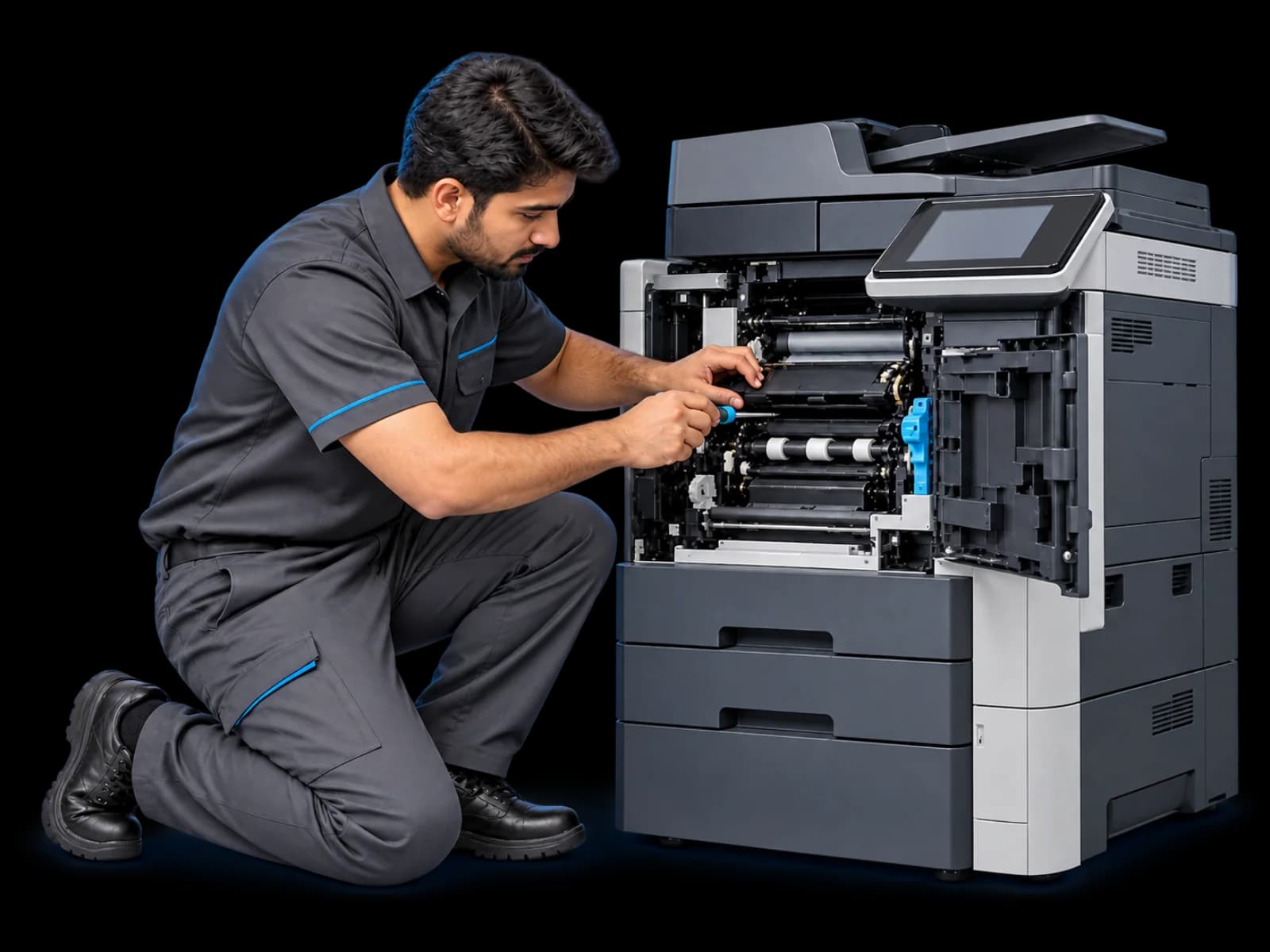
The technology changes, but the repair logic stays disciplined: isolate the symptom, test the system, and repair the actual fault.
Home, photo, tank, and multifunction inkjet systems.
Mono, colour, single-function, and multifunction laser units.
Impact printers used for invoices, forms, and continuous stationery.
Print, scan, copy, document-feed, and network-related faults.
A visible symptom can come from several systems. This diagnostic map keeps the investigation focused without promising a repair before the printer is examined.
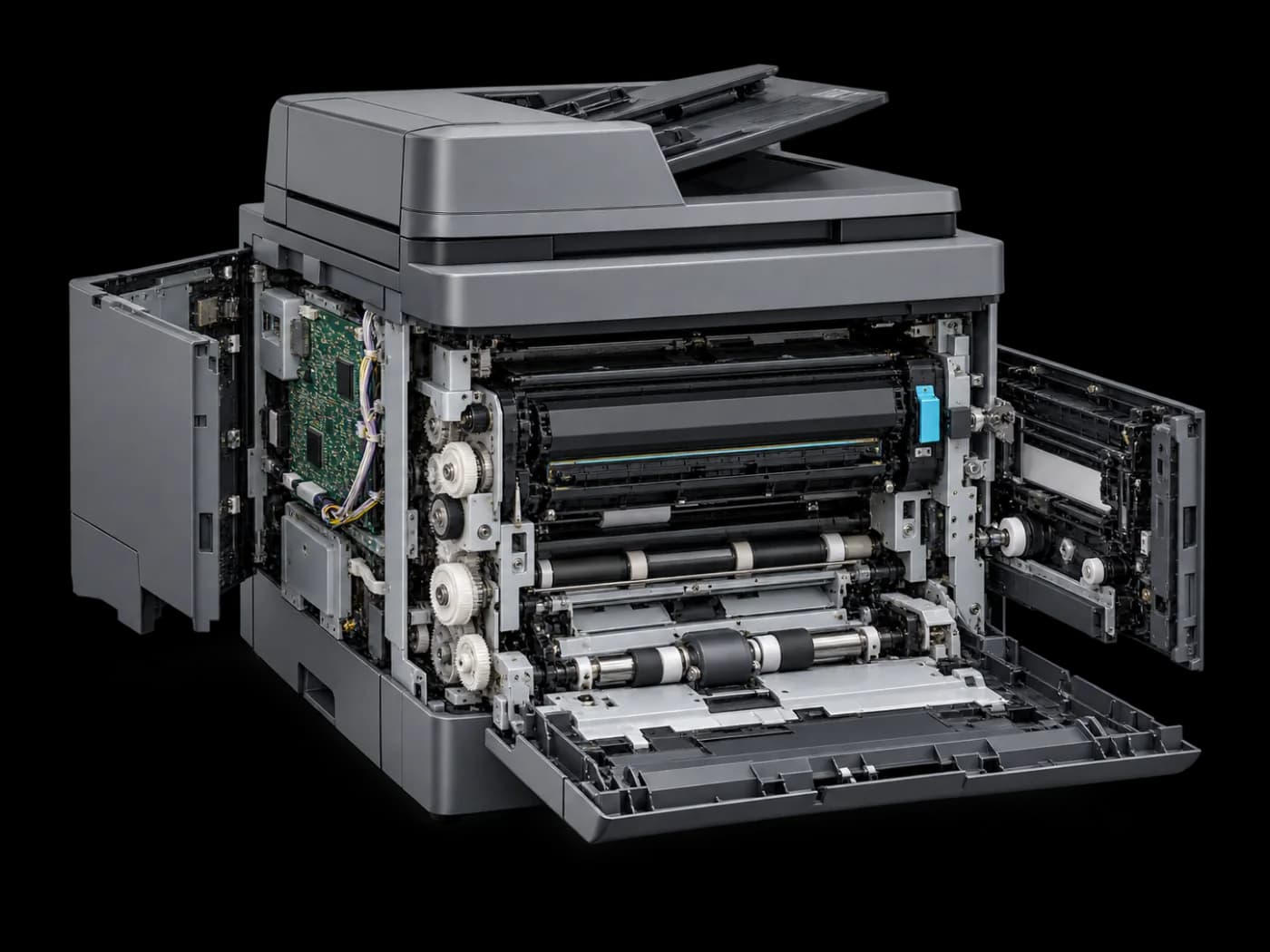
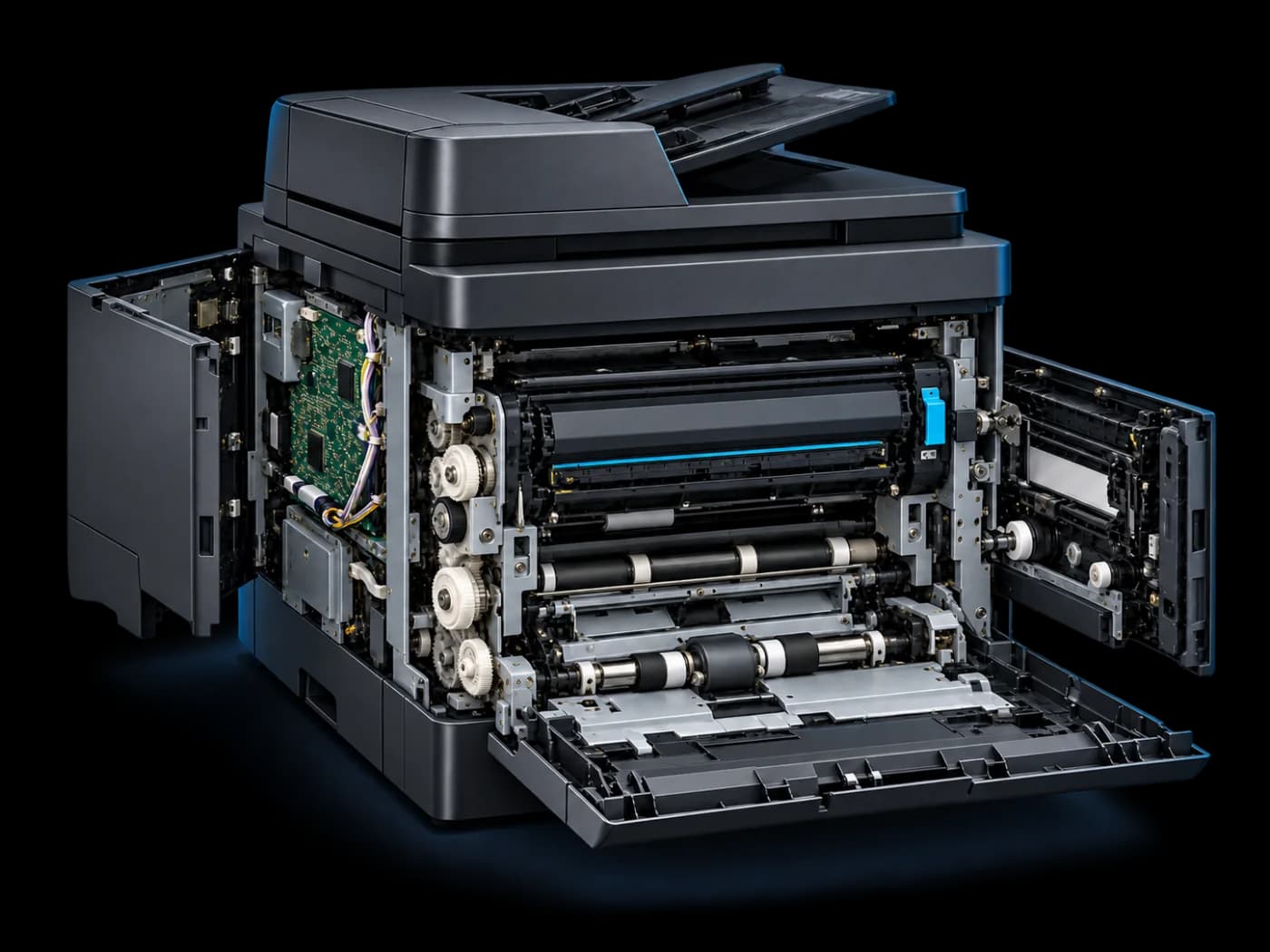
No generic reset-and-return routine. Each step should narrow uncertainty and make the next decision clearer.
Tell us the model, symptoms, and any error shown.
We trace the fault across the paper path, print system, electronics, and software.
You receive a clear diagnosis and repair direction before the work moves ahead.
The relevant function is repaired, then checked with practical print and handling tests.
Parts availability and repair viability depend on the printer model, fault, and condition. We confirm the practical next step after inspection.
An older printer, a recurring consumable issue, or unavailable parts can change what makes financial sense. We aim to give you an honest diagnosis—not to force a repair at any cost.
Share the model and what the printer is doing. We’ll guide you to the right diagnosis route.